

Best 10 Masterpiece AI Prompts for Hyper Realistic Digital Paintings of Renowned Historical Figures
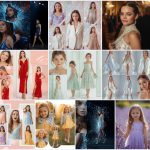
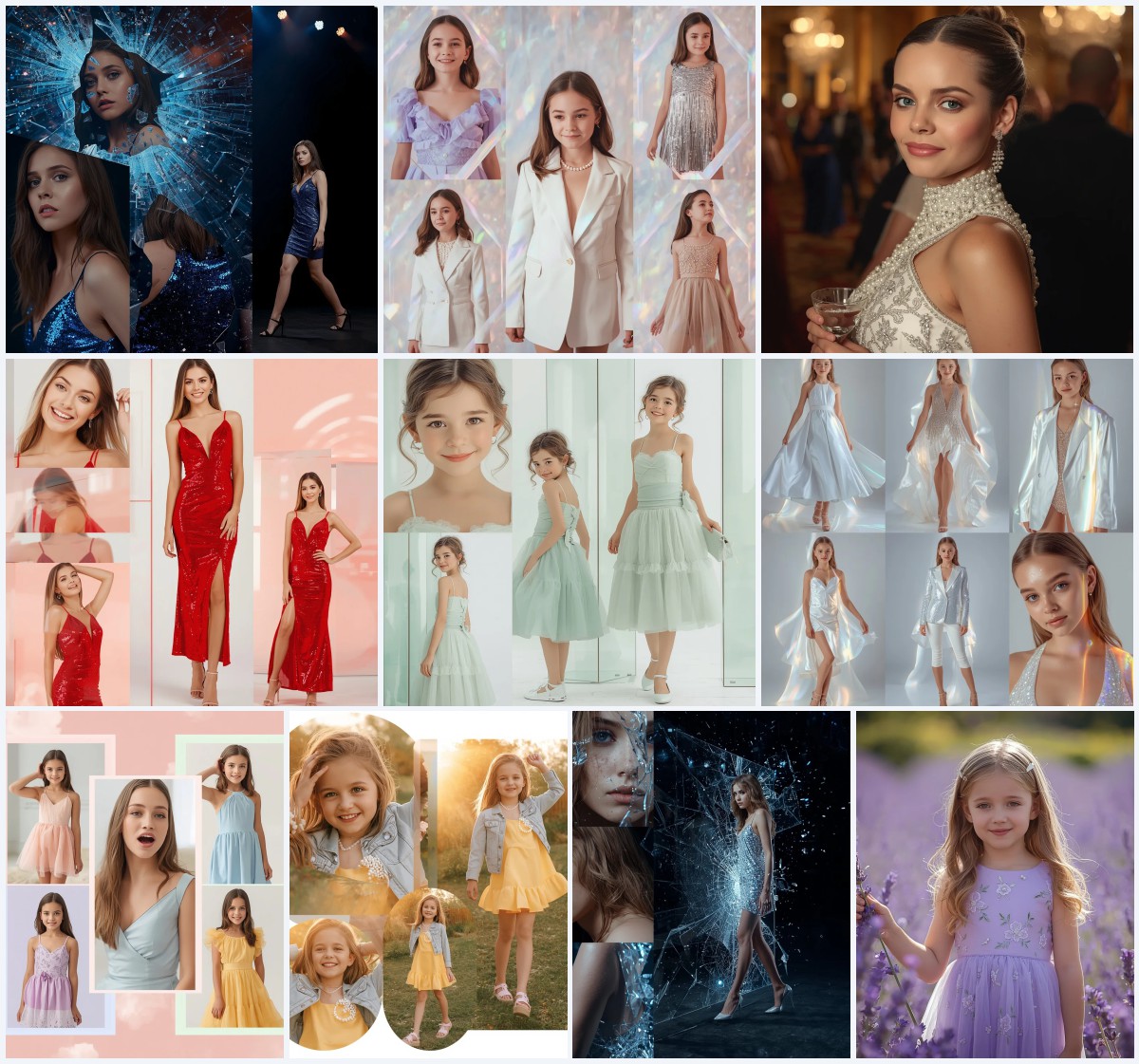
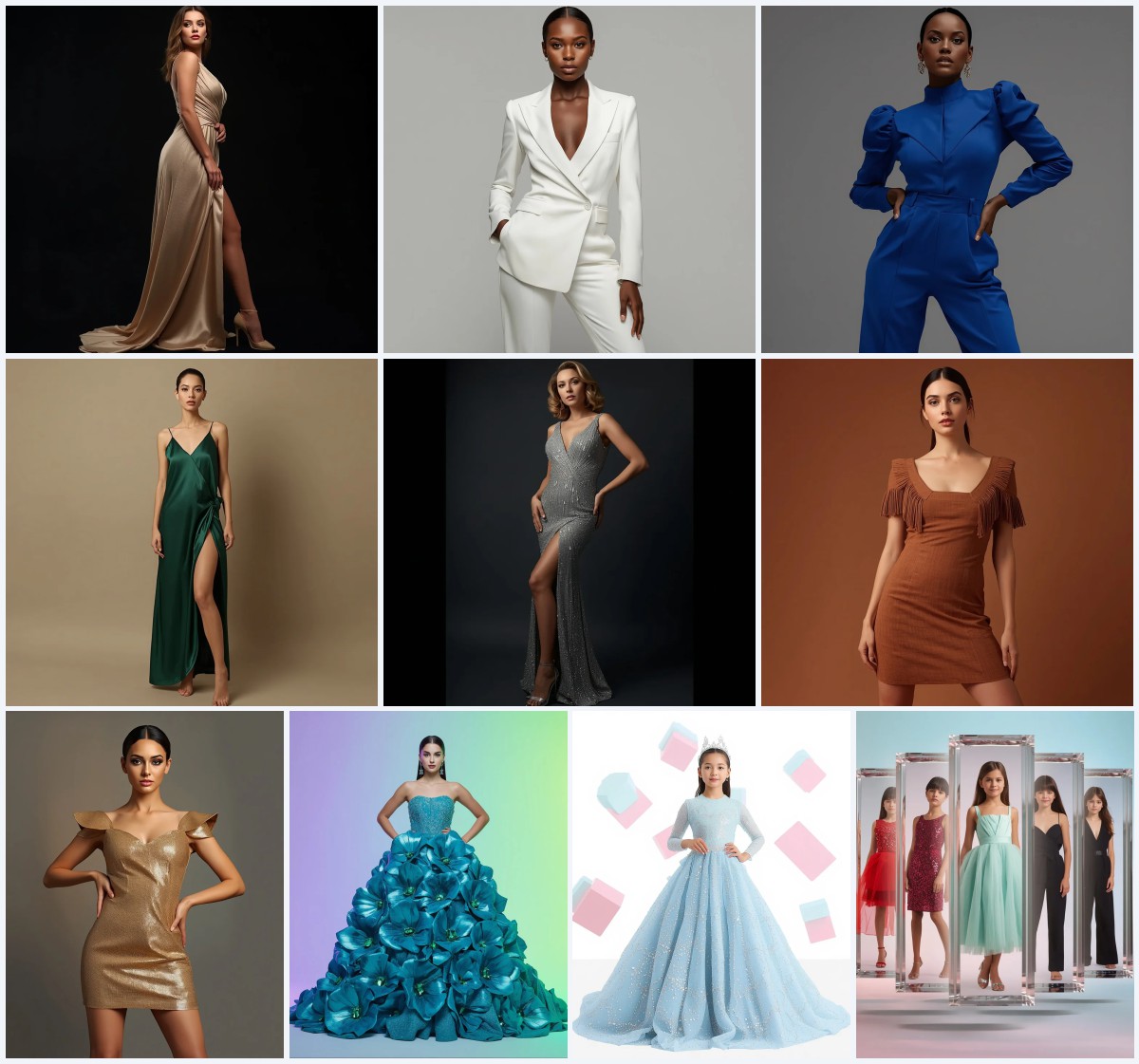
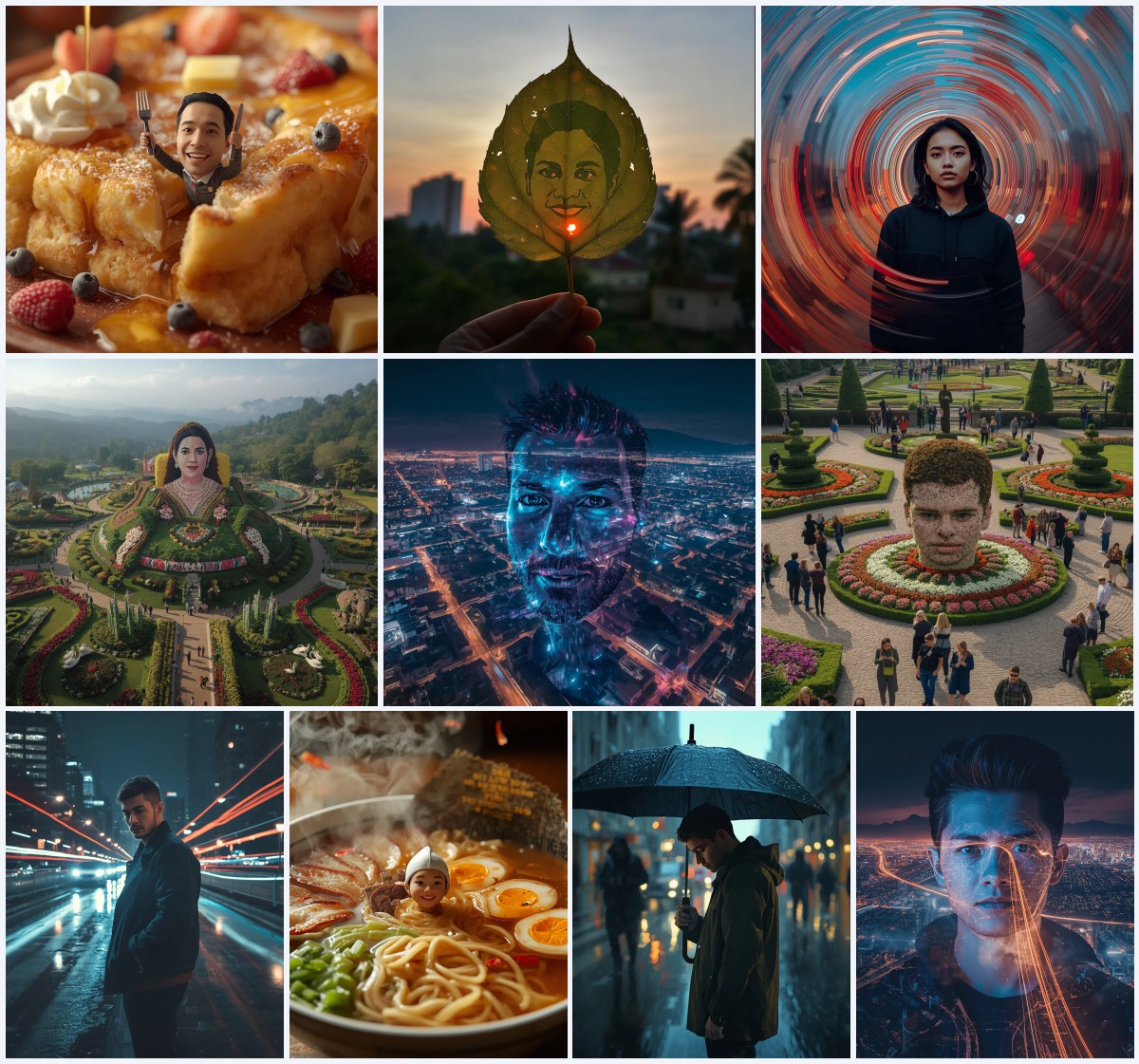
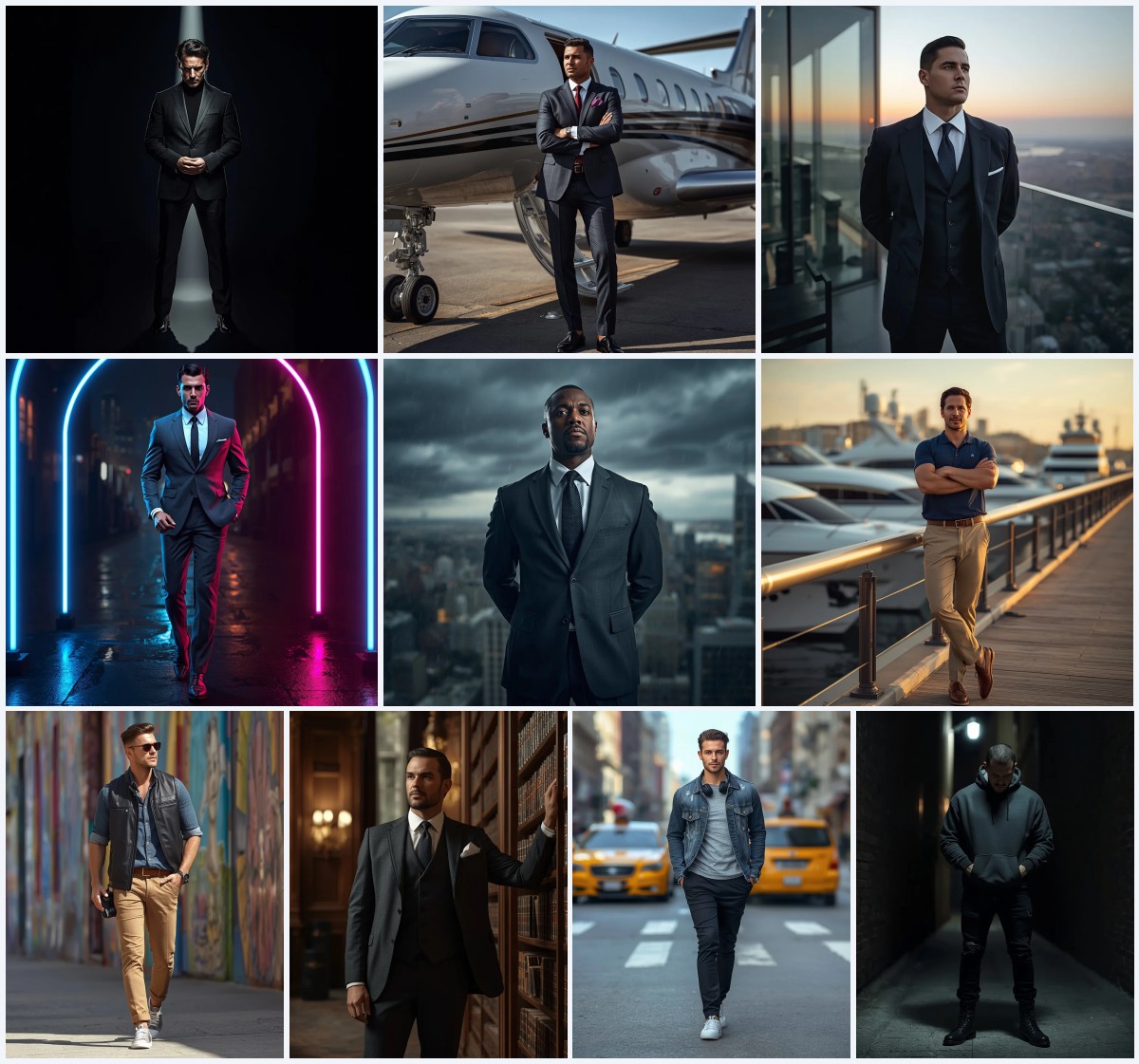
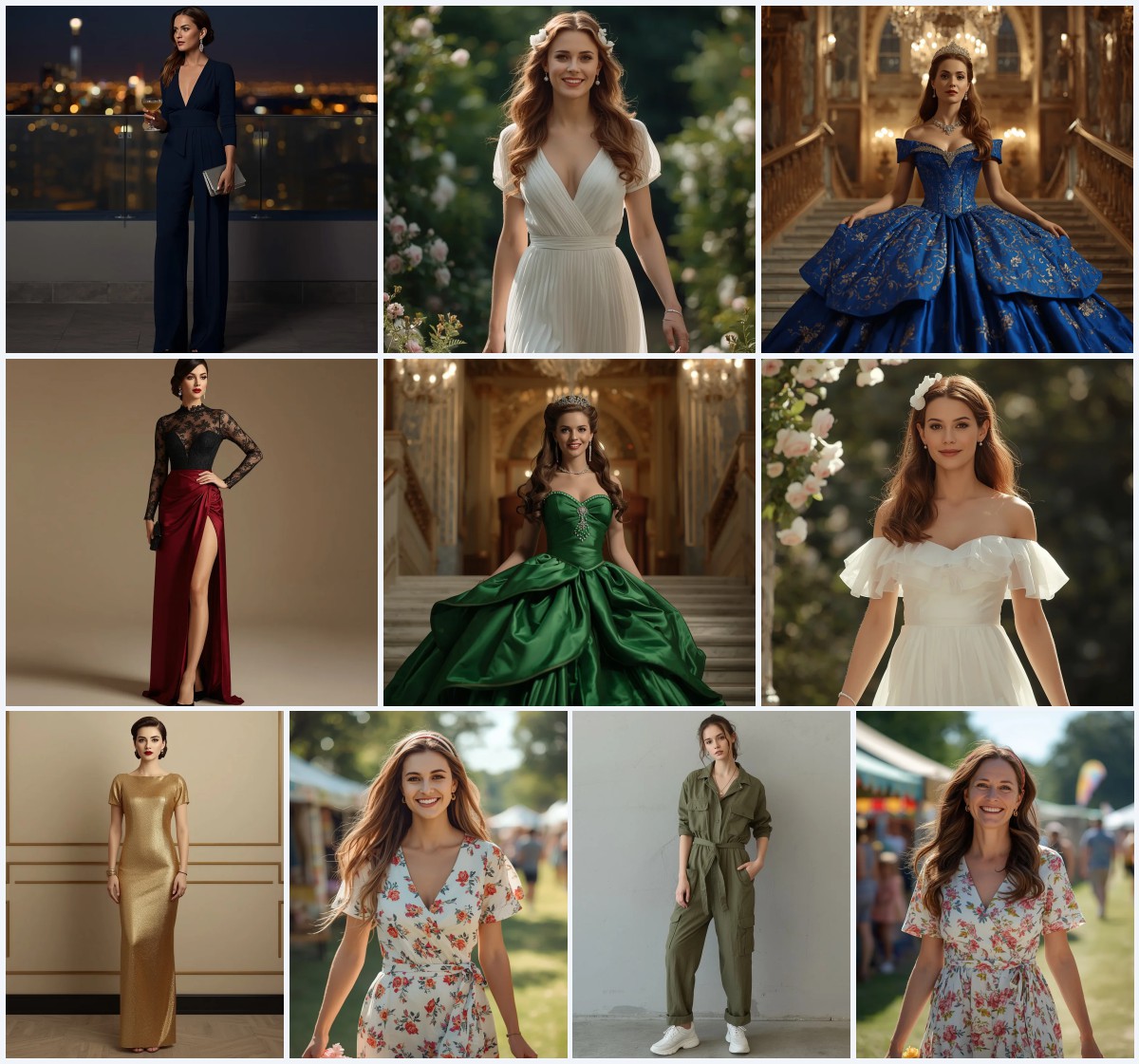
This collection gathers ten premium AI image prompts built around a single idea: turning a reference photograph into a hyper-realistic digital painting or fashion portrait that looks like it was shot by a professional. The set mixes two visual worlds. One half is western party wear and couture, with sequins, crystal corsets, ruffles and tuxedos. The other half is a formal portrait series of a modern classic gentleman in evening wear, presented as a premium collage.
The prompts are written for people who already have a photo they own or have permission to use, and who want to push it toward editorial quality. Every prompt in the set names a subject, a wardrobe, a location, a light source and a camera feel. That structure is what makes the results consistent. This article explains what the prompts contain, how to run them, which tools handle them well, and what to fix when a generation goes wrong.
What this ten-prompt set is asking for
The set is a wardrobe and portrait library rather than a single scene. Each prompt describes a person, an outfit with real material detail, a specific environment, and a technical finish such as 85mm lens, HDR or 8k resolution. The fashion prompts lean on light behavior: sequins catching a disco ball, satin sheen in late afternoon sun, diffused daylight through a glasshouse. The gentleman prompts lean on tailoring and fabric weave. Together they cover party, couture, street and formal studio moods without repeating the same lighting setup twice.
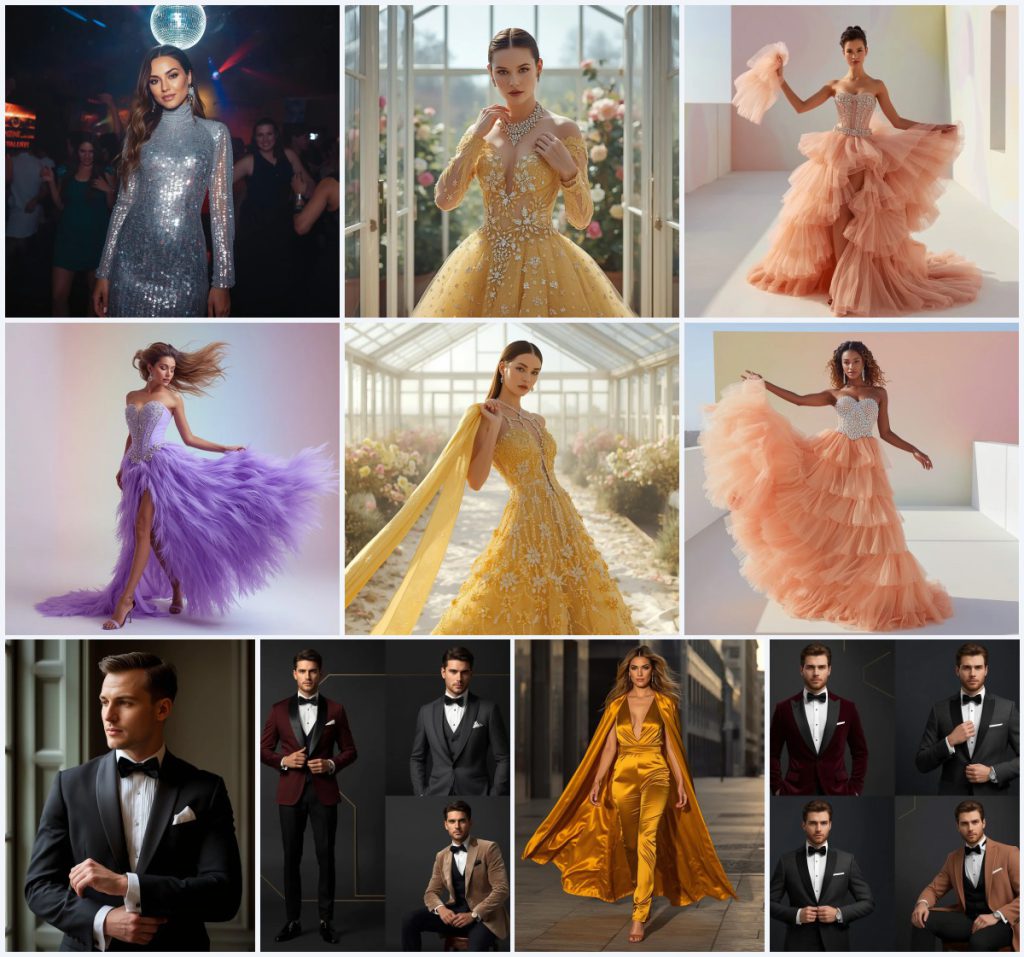
- A high-neck, long-sleeve silver sequin party dress under a spinning disco ball with colorful light reflections.
- A soft yellow designer gown with sequence work, heavy cut-dana embroidery and 3D embellishments inside a glasshouse with white steel frames.
- A peach multi-tiered ruffle western gown with a jewel-encrusted crystal corset bodice and a thick heavy diamond waist belt.
- A powder violet gown with a Swarovski crystal-encrusted corset bodice and dense 3D feather fringes along a high-slit skirt.
- A classic black wool tuxedo with a satin shawl collar, pleated white shirt and black silk bowtie, worn by a groom at a stately historic manor window.
- A premium collage of a modern classic gentleman in a tailored burgundy tuxedo, a charcoal grey wool suit and a velvet champagne blazer against a dark gradient with gold geometric accents.
The scenes inside these prompts
The fashion half moves through very different rooms. One prompt places the subject "dancing under a spinning disco ball at an exclusive club, with colorful light reflections dancing across her outfit." Another sets her "standing gracefully inside a modern glasshouse with white steel frames, adjusting her delicate diamond necklace with a soft, elegant expression." A third puts her on a "bright, modern minimalist terrace with clean white flooring and a soft, multi-colored pastel gradient wall," tossing a sheer tulle cape into the air. The street prompt is warmer: "walking confidently down a modern city street in the late afternoon, her cape billowed behind her by the wind."
The gentleman prompts are quieter. The groom stands "adjusting his cufflinks, looking out of a large window in a stately historic manor," lit by "soft, natural window light." The collage version uses "a minimal dark gradient background with subtle gold geometric accents" and lists poses such as "a direct confident gaze, adjusting a bowtie, and a relaxed seated posture." In every case the background is deliberately simple so the wardrobe and the face carry the image.
Why these prompts work for realistic portraits
These prompts are effective because they describe light and material instead of only describing a person. Sequins, satin, wool weave and crystal all behave differently under a lens, and naming them gives the model something to render. The camera language, such as 85mm lens and shallow depth of field, pushes the output toward portrait photography rather than illustration. The environments are also controlled: a gradient wall, a glasshouse or a dark studio removes clutter that would otherwise compete with the subject.
- Material words like sequin, satin, wool and crystal give the renderer real texture to work with, which is what separates a painting from a flat image.
- Named light sources such as diffused natural sunlight, disco ball reflections and soft window light create believable shadows and highlights on the face.
- Simple, uncluttered backgrounds keep attention on the outfit and expression, so the result reads as a deliberate portrait rather than a snapshot.
Three styles living inside this set
Three distinct styles run through the collection, and each one stays inside the prompt that created it. You are not asked to leave the collage format or abandon the party setting. You are asked to match the style to the prompt you picked.
- Club glamour: High-speed shutter, sharp focus and cinematic lighting turn the silver sequin dress into a moving, reflective surface under the disco ball.
- Airy couture: Bright diffused natural sunlight through a glasshouse, pastel flowers and HDR keep the yellow gown soft, expensive and calm.
- Formal collage: A premium collage of a modern classic gentleman uses a dark gradient background, gold geometric accents and soft cinematic studio lighting across several outfits.
How to run one of these prompts
Pick the single prompt that matches the photo you own, then work through the steps below in order. The set is designed so that one prompt produces one image, not ten at once. If you want several looks, run the process again with the next prompt rather than stacking them into one request.
- Copy the prompt. Copy the full prompt text for the look you want, including the camera and resolution lines at the end.
- Upload your reference. Upload a photo you have the right to edit, ideally a clear, well-lit portrait with the face visible and no heavy filters.
- Add identity guidance. Tell the tool to keep the person's face and features from the reference while applying the described wardrobe and scene.
- Generate. Run the generation at the highest resolution the tool allows, and generate a few variations before judging the result.
- Check hands, face and the main object. Look closely at fingers, the eyes and mouth, and the hero item, whether that is the crystal corset, the sequin dress or the tuxedo bowtie.
- Refine one thing at a time. If something is off, change only that clause, such as the light source or the fabric word, and regenerate instead of rewriting everything.
Choosing the reference photo
The reference photo decides how much of the prompt you actually get. These prompts assume a single person, facing the camera or close to it, with even lighting and no other people in frame. A photo taken in shade or indoors with soft light works better than harsh direct sun, because the prompts already add their own light source.
- Use a front-facing or three-quarter portrait where the face is sharp and unobstructed by hair, hats or hands.
- Avoid busy backgrounds, group shots and heavy beauty filters, since the prompt supplies its own glasshouse, terrace or studio wall.
- Shoot or choose a photo with even lighting so the model can add disco ball reflections, window light or golden sun without fighting the original exposure.
Which tools handle these prompts best
All four tools below can run these prompts, but they differ in how much control you get over the reference photo and the final texture. The table notes the realism level you can typically expect and what each tool is genuinely useful for with this particular set.
| Tool | Access | Typical realism | Useful here for |
|---|---|---|---|
| ChatGPT | Free and paid tiers | Medium to high | Rewriting the prompt into a cleaner description and checking that the silver sequin dress and disco ball lighting are described consistently. |
| Google Gemini | Free and paid tiers | Medium to high | Comparing several prompt variations side by side and trimming the long fabric descriptions down to the essentials. |
| Leonardo AI | Free credits, paid plans | High | Rendering the crystal corset bodice and 3D feather fringes with strong texture control and repeatable seeds. |
| Midjourney | Paid subscription | Very high | Producing the premium collage of a modern classic gentleman with the dark gradient background and gold geometric accents. |
Practical tips for cleaner results
Small wording changes make a large difference with this set, especially around fabric and light. The three tips below use real elements from the prompts so you can test them directly.
- If the silver sequin dress looks flat, add a line about the disco ball reflections hitting the dress at an angle, because the prompt already places her under a spinning disco ball.
- If the yellow gown loses its detail, keep the words sequence work, cut-dana embroidery and 3D embellishments together in one sentence so the renderer treats them as one fabric treatment.
- If the tuxedo looks like a generic suit, repeat satin shawl collar, pleated white shirt and black silk bowtie, since those three items are what make the groom portrait read as formal evening wear.
Common problems and what to change
Most failures with this set come from the model over-interpreting one clause and dropping another. The table lists the issues you are most likely to see and the exact part of the prompt to adjust.
| Issue | What to change |
|---|---|
| The face drifts away from the reference photo | Strengthen the identity instruction and reduce the number of wardrobe adjectives so the model spends more attention on the face. |
| The crystal corset turns into a plain bodice | Repeat jewel-encrusted crystal corset and thick heavy diamond waist belt in the same sentence, and remove competing accessory words. |
| The disco ball scene becomes too dark or too busy | Keep the dark, vibrant blur of partygoers and neon lights but lower the number of light sources mentioned in one line. |
| The collage frames look identical | List the outfits separately, such as burgundy tuxedo, charcoal grey wool suit and velvet champagne blazer, and name a different pose for each. |
Frequently Asked Questions
Can I use one of these prompts without uploading a photo?
Yes. The prompts describe a full person, wardrobe and scene on their own, so they work as text-to-image requests. Uploading a reference photo you have the right to edit simply lets you keep a specific face and likeness across the set.
Why do the prompts mention 85mm lens and 8k resolution?
Those lines push the output toward portrait photography rather than digital illustration. The 85mm reference suggests a flattering focal length for faces, and the resolution line encourages finer detail in sequins, crystal and fabric weave.
How do I get the premium collage to look like several different outfits?
Keep the collage instruction intact and name each outfit and pose clearly, such as the tailored burgundy tuxedo with a direct confident gaze and the velvet champagne blazer with a relaxed seated posture. The dark gradient background and gold geometric accents should stay the same across every frame.
Conclusion
This collection works best when you treat it as a wardrobe and lighting library rather than a single magic prompt. Choose the one look that fits your reference photo, run it at high resolution, and inspect the hands, face and hero garment before you refine anything else. The disco ball scene, the glasshouse gown, the pastel terrace and the formal gentleman collage each reward careful, one-change-at-a-time editing. Keep the material words intact, keep the background simple, and the results will look like professional portrait work rather than a generated image.
Edit only photos you own or have clear permission to use, and keep that right in mind every time you upload a reference.