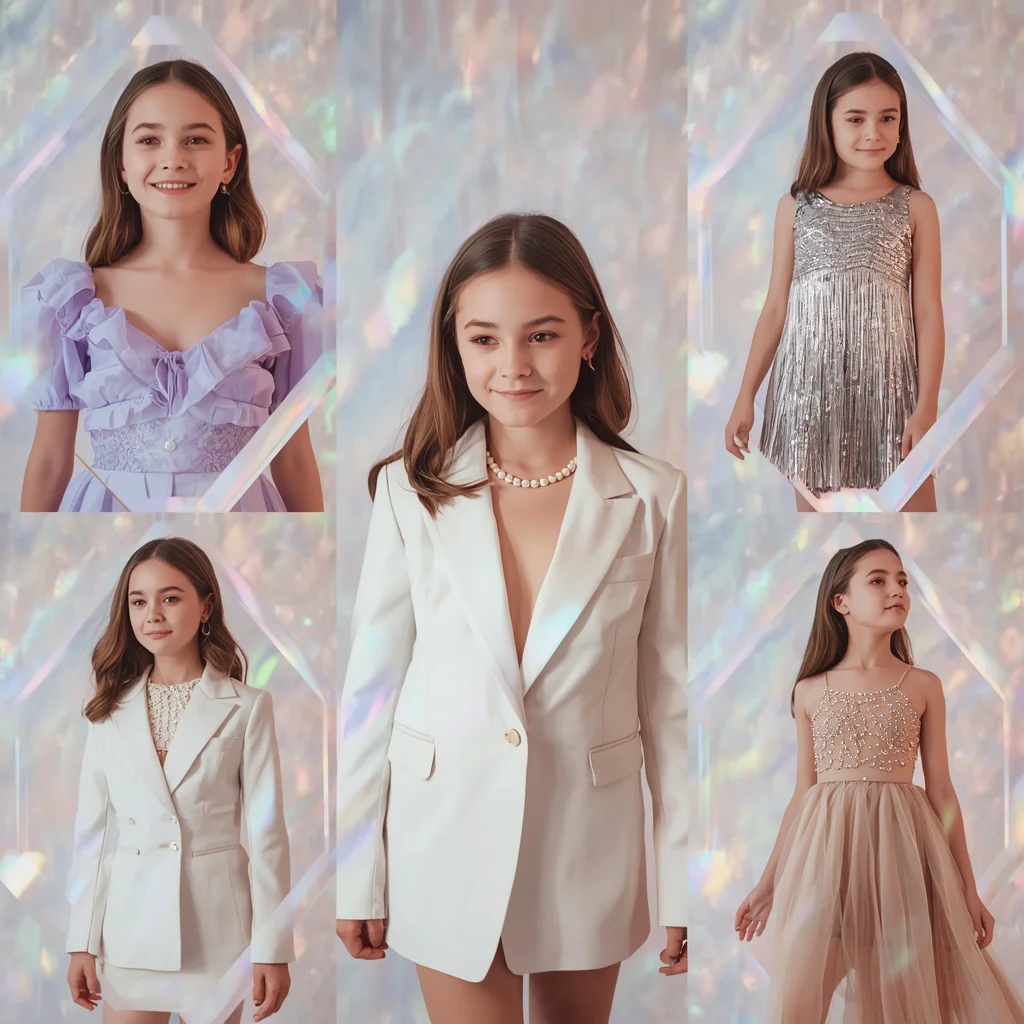
Glam Theme Female Model in Royal Blue | Female Model Full-body
Fashion photography meets AI precision in this glam-themed prompt, designed to produce a powerful editorial image of a female model. The composition centers on a full-body pose against a soft warm grey background, letting the royal blue jumpsuit command attention. Every element, from the structured shoulders to the cinched waist, is written to guide the generator toward a clean, minimal aesthetic that feels straight out of a high-end magazine.
This prompt is ideal for creators who want a dominant feminine presence without distracting props or busy environments. The emphasis on ultra-realistic skin, cinematic studio lighting, and shallow depth of field ensures the final image looks like a professional DSLR photograph. Whether you are building a portfolio, testing lighting concepts, or exploring AI fashion imagery, these instructions give you a reliable starting point.
What this glam-theme royal blue jumpsuit prompt is asking for
The prompt describes a full-body fashion portrait built around a single bold garment and a controlled studio setup. It asks the AI to render a female model with a composed, powerful stance, wearing a glam-themed royal blue jumpsuit that features structured shoulders and a cinched waist. The background is a soft warm grey, which keeps the focus on the model and the outfit. Cinematic studio lighting, ultra-realistic skin with natural highlights, and a shallow depth of field are all specified to push the image toward a polished editorial look.
- Full-body shot of a female model
- Soft warm grey background
- Glam-themed royal blue jumpsuit with structured shoulders and cinched waist
- Composed, powerful posture with dominant feminine presence
- Ultra-realistic skin with natural highlights and smooth detail
- Cinematic studio lighting with shallow depth of field and 8K DSLR style
The scene this prompt builds around the model
The visual world is deliberately sparse, anchored by a "soft warm grey background" that acts like seamless studio paper. This neutral backdrop isolates the model and makes the "royal blue jumpsuit" the undisputed focal point. The phrase "cinematic studio lighting" suggests a controlled light setup with soft shadows and gentle falloff, while "shallow depth of field" keeps the model sharp against a gently blurred background, mimicking a wide-aperture lens.
The model herself is described as having a "composed, powerful posture with a dominant feminine presence," which steers the AI away from casual or passive poses. The jumpsuit's "structured shoulders and a cinched waist" create a strong silhouette that reinforces that commanding stance. Together, these clauses build a scene that feels like a quiet moment on a professional fashion set, where every detail serves the garment and the mood.
Why this editorial prompt works so well
This prompt succeeds because it pairs a striking color choice with precise technical language that AI image generators interpret reliably. Royal blue against warm grey delivers high contrast without harshness, and the studio lighting terms guide the model's skin rendering toward realism instead of plastic smoothness. The result is an image that looks intentional, polished, and ready for a fashion spread.
- The royal blue and warm grey color pairing creates sophisticated contrast that pops without overwhelming the composition.
- Cinematic lighting and shallow depth of field cues push the generator toward professional photographic aesthetics instead of flat renders.
- Posture and garment structure details give the AI clear shape guidance, reducing the chance of awkward or limp poses.
Three visual styles that stay inside this prompt
While the prompt already leans heavily into high-end editorial fashion, you can nudge the output toward three distinct visual directions without breaking its core identity. Each style keeps the royal blue jumpsuit, the grey background, and the full-body composition intact, only shifting the lighting mood or post-processing feel. These three approaches let you explore different editorial voices from the same base prompt.
- Soft cinematic warmth: Add a subtle golden fill light to the existing studio setup, warming the grey background slightly and giving the royal blue a richer, velvety depth.
- High-contrast monochromatic edge: Push the contrast and desaturate everything except the jumpsuit, making the blue pop against an almost grayscale scene for a dramatic magazine cover feel.
- Film-grain editorial: Introduce fine film grain and a slight teal-orange color grade to mimic analog fashion photography while keeping the shallow depth of field and 8K detail.
How to generate this full-body glam image step by step
Generating this image is straightforward if you follow a structured workflow, from copying the prompt correctly to reviewing the final output for common AI mistakes. The process works across multiple platforms, though each tool may interpret terms like "8K resolution" or "DSLR photography style" with slight differences. Paying attention to the reference image and post-generation checks will save you from frustrating retries.
- Copy the prompt exactly. Grab the full prompt text including every comma and descriptor, and paste it into your chosen AI image generator without alterations.
- Upload a reference photo. Attach a clear full-body reference image of a model with a similar pose and jumpsuit structure to improve anatomy and garment accuracy.
- Generate the initial batch. Run the prompt with a 1:1 or 4:5 aspect ratio suitable for editorial portraits and produce at least four variations.
- Check the hands. Examine each output closely for distorted fingers, fused digits, or unnatural hand placement near the body.
- Inspect the face and skin. Look for asymmetrical eyes, melted features, or plastic-looking skin that contradicts the "ultra-realistic" and "natural highlights" requirements.
- Review the jumpsuit structure. Verify that the structured shoulders, cinched waist, and overall silhouette match the prompt and that the royal blue color is consistent without patchy rendering.
Choosing the right reference photo for this prompt
A well-chosen reference photo dramatically improves the output by anchoring the AI to real human proportions, fabric behavior, and lighting interactions. Since this prompt calls for a full-body shot with a dominant stance, your reference should match that energy rather than showing a relaxed or seated pose. The reference does not need to wear a royal blue jumpsuit, but it should feature a form-fitting garment with visible waist definition and shoulder structure.
- Select a full-body reference where the model stands with a confident, upright posture and clear shoulder-to-hip lines.
- Choose an image with soft studio lighting and a plain background so the AI does not pull in unwanted environment details.
- Ensure the reference photo is high-resolution and shows natural skin texture without heavy makeup or filters that could confuse the realism settings.
Tools that handle this fashion prompt well
Different AI image generators interpret editorial fashion prompts with varying levels of realism and detail. The table below compares four popular tools based on their accessibility, typical output quality, and specific strengths for this royal blue jumpsuit prompt. Each tool can produce usable results, but your choice depends on whether you prioritize photorealism, ease of use, or creative control.
| Tool | Access | Typical realism | Useful here for |
|---|---|---|---|
| ChatGPT | ChatGPT Plus subscription | High, with strong prompt adherence | Rendering the structured shoulders and cinched waist with accurate proportions |
| Google Gemini | Free tier available | Moderate to high, improving rapidly | Capturing the soft warm grey background and shallow depth of field effectively |
| Leonardo AI | Freemium with daily credits | Very high with cinematic models | Achieving ultra-realistic skin with natural highlights under studio lighting |
| Midjourney | Paid subscription | Excellent, highly photographic | Delivering the high-end editorial DSLR look with professional color grading and 8K detail |
Three tips for perfecting the royal blue jumpsuit output
Small adjustments to your workflow can make the difference between a good render and a stunning editorial image. These tips focus on the specific materials and objects named in the prompt, helping you get the most out of the royal blue jumpsuit, the grey background, and the studio lighting setup.
- If the royal blue jumpsuit appears too dark or purple, add "true royal blue fabric with a slight satin sheen" to the prompt instead of changing the color name.
- When the warm grey background looks muddy or brown, reinforce it with "neutral warm grey seamless paper backdrop" to guide the tone without introducing new colors.
- To enhance the structured shoulders, mention "sharp tailored shoulder pads visible under the jumpsuit fabric" if the AI keeps making them droop or disappear.
Common issues and how to fix them
Even a well-written prompt can produce flawed results due to how different models handle fabric, anatomy, and lighting cues. The table below lists four recurring failures this prompt can actually have, along with practical changes that address the root cause without rewriting the entire prompt.
| Issue | What to change |
|---|---|
| The jumpsuit loses its structured shoulders and looks like a loose dress | Add "sharp tailored shoulder line" and reduce weight on flowing fabric terms |
| The model's skin appears plastic or over-airbrushed | Increase emphasis on "natural skin texture with visible pores" and lower the style strength if available |
| The grey background shifts to blue or green due to color bleed from the jumpsuit | Separate the background description with "neutral warm grey backdrop, isolated from subject lighting" |
| The shallow depth of field blurs the jumpsuit instead of the background | Specify "subject in sharp focus, background softly blurred" to clarify the focal plane |
Frequently Asked Questions
Can I change the jumpsuit color without breaking the prompt?
Yes, you can replace "royal blue" with another color like emerald green or deep burgundy. Keep the rest of the descriptive language intact, especially the fabric structure terms and lighting cues, to maintain the editorial quality.
Why does the model's face sometimes look inconsistent across generations?
AI generators often randomize facial features unless a specific face reference is used. Uploading a consistent reference photo or adding a simple description like "symmetrical face with high cheekbones" can improve stability across outputs.
What aspect ratio works best for this full-body prompt?
A 4:5 vertical ratio is ideal for fashion editorials and Instagram portfolios. Square 1:1 also works, but you may lose some of the full-body impact. Avoid wide landscape ratios, as they can introduce unwanted background elements.
Conclusion
This glam theme female model prompt offers a clean, repeatable formula for high-end fashion imagery without requiring complex scene descriptions. The combination of a royal blue jumpsuit, structured tailoring, warm grey backdrop, and cinematic lighting creates a versatile editorial foundation that works across multiple AI tools. By following the steps, checking for common issues, and experimenting with the three style variations, you can produce a series of cohesive, professional-looking portraits. Whether you are a fashion content creator or simply exploring AI photography, this prompt gives you control over a striking, minimal aesthetic that puts the model and the garment front and center.
Remember to only edit and share photos you have the legal right to modify, including any reference images or AI-generated outputs you plan to publish.